What can AI Cleanup Kit-Storage Cleaner help me do?
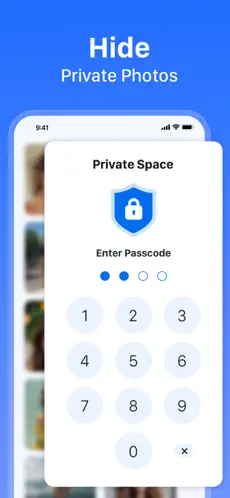
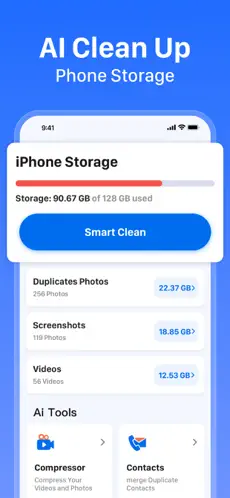
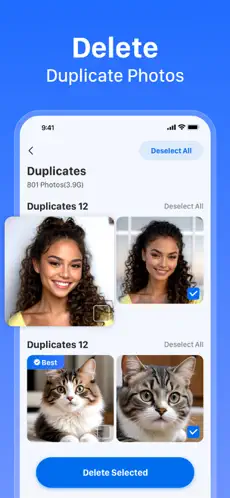
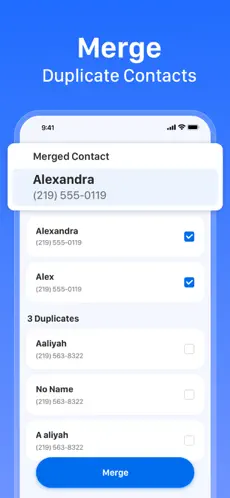
It helps review duplicate and similar photos and videos, identify large items, manage duplicate contacts, compress videos, and keep selected photos and videos in Private Storage.
Does the App delete items automatically?
The App may suggest groups and items. Review every selection before confirming a deletion, merge, compression, or mailbox action.
Where does photo, video, and contact analysis happen?
The analysis of photos, videos, and contacts runs on your device. Other information, such as support messages, purchase entitlement records, diagnostics, analytics, and campaign measurement data, is described in the Privacy Policy.
How does Private Storage work?
It saves a copy on the device and restricts access through the feature passcode. Local-only items are removed from the device when the App is deleted.
How do I cancel a subscription?
On your iPhone, open Settings, tap your name, then tap Subscriptions. Select AI Cleanup Kit-Storage Cleaner and follow Apple’s prompts. Cancel at least 24 hours before the end of the current period to avoid the next renewal.
How do I restore a purchase?
Use the App’s restore option with the Apple Account originally used for the purchase.
Is Gmail cleanup required?
No. The Privacy Policy describes Gmail inbox cleanup as optional. If this feature is available in your installed App version, connect only an account you own or are authorized to manage. See the Privacy Policy for details.